How an X-ray PACS system connects acquisition to reporting
X-ray PACS software stores and retrieves digital radiography studies so authorised readers can open images and prepare reports. In a CR or DR workflow, the acquisition system creates the DICOM images; the PACS receives and archives them. A PACS viewer is the reading workspace, while the server manages image receipt and retrieval.
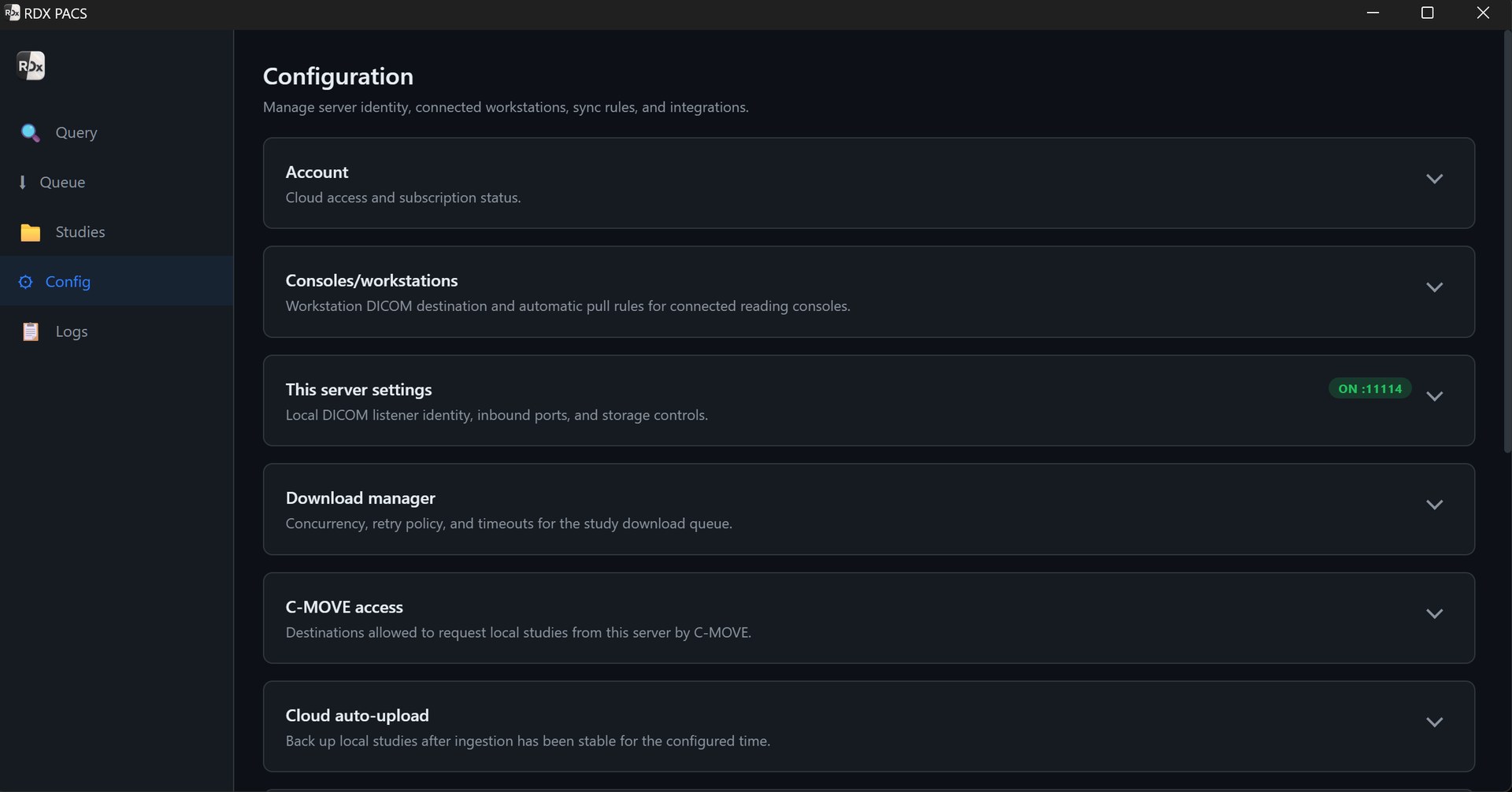
RDx PACS combines the local DICOM server with DN Viewer on Mac and Windows and a reporting workspace. It can be configured for local reading, with optional cloud access for remote radiologists.
- Acquire the examination on the CR/DR system. Confirm the patient details and examination before transmission.
- Send the DICOM study to the local PACS. Configure the destination AE title, network address and listening port. Verify receipt of every expected image.
- Retrieve and read in DN Viewer. Test window/level, zoom, pan, measurements and relevant prior examinations on your actual X-ray images.
- Prepare and sign the report. Use reporting templates or optional dictation. A radiologist checks the report before final approval.
- Deliver the result and retain the study. Verify report PDFs, authorised image sharing, storage and recovery arrangements.
What to check for X-ray, CR and DR compatibility
The key requirement is a supported DICOM output from the modality or acquisition workstation. Equipment branding alone does not establish compatibility. Some systems require a separate DICOM export licence or vendor configuration.
- Ask for DICOM sending capability. Confirm the equipment’s DICOM conformance statement and supported image format, transfer syntax and network setup with the vendor.
- Check reachability. The acquisition workstation must reach the PACS server’s configured IP and port. Firewall and network rules must permit the intended connection.
- Test the complete examination. Check patient identifiers, orientation, image count and any series from the acquisition console through to the reading workstation.
- Verify the reading tools. Review image presentation and measurements on representative studies. Specialised applications, such as calibrated orthopaedic planning, need their own feature and workflow confirmation.
Images exported only as JPEGs or screenshots do not establish a DICOM connection. Film scanning, detector acquisition, exposure control and image post-processing on the acquisition workstation are separate from PACS storage and retrieval.
Local X-ray reading and optional cloud access
Radiologist at the centre
Receive and retrieve studies through the local server and network. Check local storage capacity, workstation access and power protection.
Radiologist away from the centre
Add cloud access and configure uploads for the required studies. Remote reading depends on upload completion, internet access and the selected service.
During an internet outage, locally stored studies may remain available on the functioning LAN. Remote readers will not receive new studies until connectivity and uploads resume. Verify the queue and the recovery process during onboarding. Compare deployment options and estimate upload time.
Portable X-ray: confirm the connection at the point of acquisition
For a portable or mobile radiography service, first establish where the DICOM images are created and when that workstation can reach the PACS. A portable detector does not by itself provide remote PACS connectivity. Test the acquisition laptop, network route, patient identification and upload completion at the intended location before using a remote reporting workflow.
X-ray PACS software pricing and setup
RDx PACS Server starts at ₹999/server/month. Optional cloud access starts at an additional ₹499/month, so one local server with the starting cloud add-on totals ₹1,498/month before applicable taxes and subject to plan allowances. Optional AI reporting and speech-to-text starts at an additional ₹699/month.
Confirm modality configuration, local hardware, storage, users, backup requirements and support scope for your centre. A starting subscription is not a hardware quotation or an unlimited archive. Review pricing and inclusions or prepare an enquiry for your imaging centre.
A useful X-ray PACS acceptance test
- Send a full study from your actual CR/DR acquisition workstation and confirm every expected image arrives.
- Open current and prior studies with the intended user roles; check image presentation and required tools.
- Prepare a report and verify the patient details, letterhead, sign-off and final PDF.
- If remote reading is required, confirm successful upload and access from the remote workstation.
- Check recovery after a temporary connection interruption, and agree study retention and backup restoration.
Questions before choosing PACS
What is the difference between an X-ray viewer and a PACS server?
The viewer displays images for review and reporting. The PACS server receives, stores and retrieves DICOM studies. RDx combines the server workflow with DN Viewer and reporting.
Will RDx PACS connect to every X-ray machine?
Compatibility must be checked. The modality or acquisition workstation needs supported DICOM output and the correct network configuration. Test a complete study from the actual equipment before go-live.
Can I use a Mac or Windows reading workstation?
DN Viewer is a native Mac and Windows application. Confirm your operating system, workstation specification, display setup and required tools during onboarding.
Does this include X-ray acquisition or detector software?
No. Image acquisition and detector operation remain on the modality or acquisition workstation. PACS receives the resulting DICOM studies for storage, retrieval and viewing.
Can an off-site radiologist report X-ray studies?
Yes, with the optional cloud service, successfully uploaded studies and authorised remote access. Confirm upload speed, storage allowance and the reporting workflow for your setup.
Plan the setup around your centre.
Tell us your modalities, study volume, retention needs and where your radiologists read. We’ll help confirm hardware, connectivity and the services you need.
Discuss my PACS setupProduct information is supplied by Tanj Itech Private Limited. Screenshots show the product interface; available services and allowances depend on the selected plan. Review current pricing.