PACS software for the complete imaging-centre workflow
A Picture Archiving and Communication System (PACS) receives, stores and retrieves DICOM medical images. For a diagnostic centre, the buying decision also includes how radiologists open studies, prepare reports and return results to the centre. RDx combines a local PACS server, DN Viewer on Mac or Windows, and reporting, with optional cloud access for remote readers.
Start with your actual mix of X-ray, CT, MRI or ultrasound. A small radiography centre and a centre reading large CT stacks have different storage, workstation and connectivity requirements. The following workflow is what to check during a product demonstration.
- Receive the study. Configure a DICOM-capable modality or acquisition workstation to send to the local PACS destination. Confirm the AE title, IP address and port, then send a representative examination.
- Check patient and examination details. Verify that the patient identifier, accession where available, study date and series match the examination. Resolve mismatches before reporting.
- Open and review images. Use DN Viewer for window/level, image navigation and measurements. For CT and MRI, evaluate MPR and 3D tools with your own study types.
- Prepare and approve the report. Use the reporting workspace and templates. Optional speech-to-text and AI help prepare text; a radiologist reviews, edits and signs the final report.
- Deliver and retain. Check the signed PDF, centre letterhead and authorised image-sharing workflow. Agree how studies and reports will be retained and recovered.
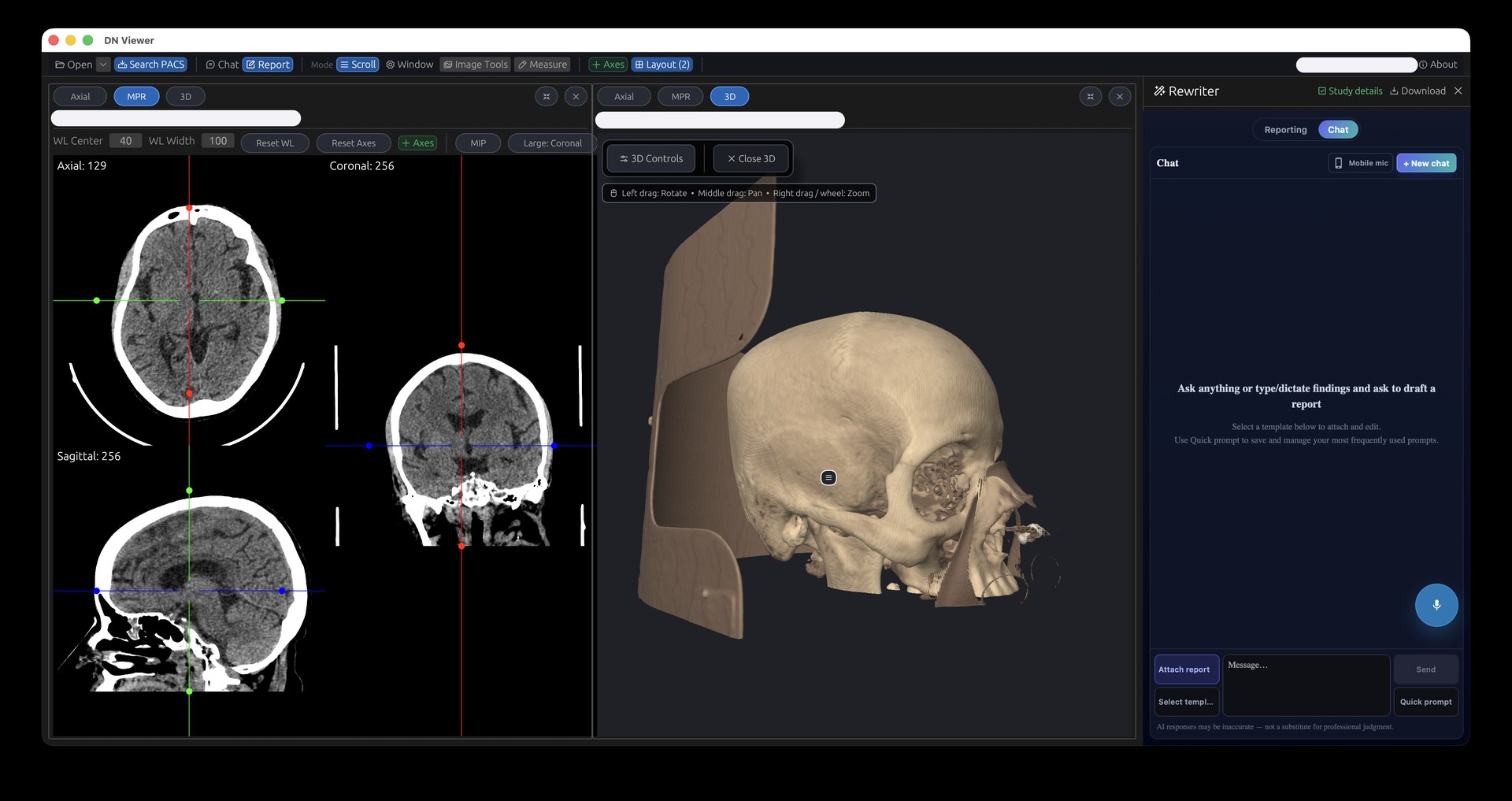
Choose local PACS, then add cloud access where it helps
Reading at the centre
The local server receives DICOM studies and makes locally stored images available over the centre’s network. Workstation access depends on the local server, storage, LAN and power remaining available.
Reading away from the centre
Optional cloud access makes uploaded studies available to authorised remote readers. Upload completion, internet connectivity and the selected service are prerequisites. A remote reader cannot read a study that has not reached the remote archive.
Choose which studies upload and verify the resulting remote workflow during onboarding. Local storage and a cloud copy have separate capacity and retention requirements. Compare cloud, on-premise and hybrid PACS, including bandwidth estimates.
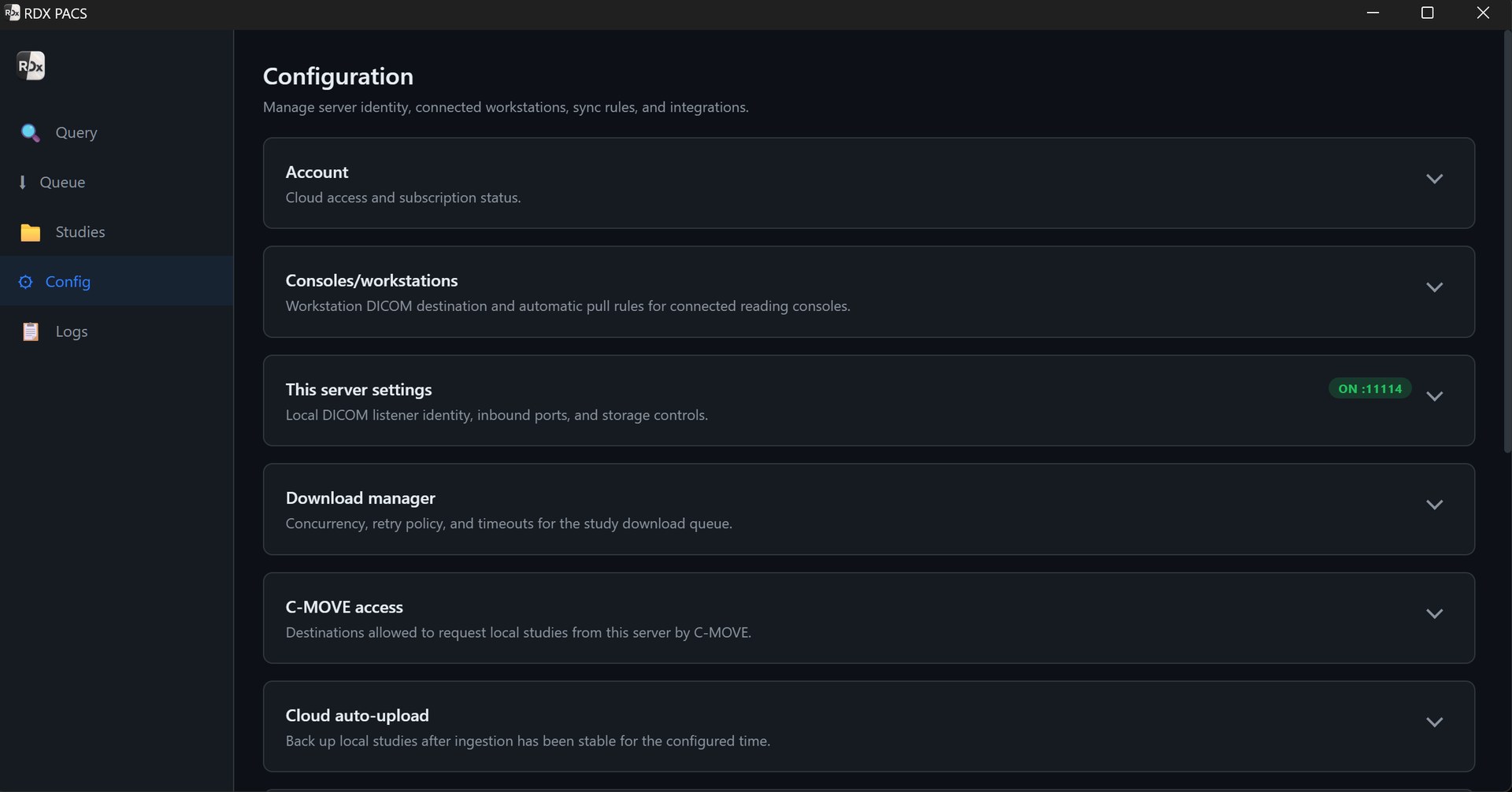
What to confirm before installing PACS at an imaging centre
| Area | Bring to the discussion | Verify before go-live |
|---|---|---|
| Modality connection | Equipment model, DICOM export capability, AE title, IP and port. | Send a complete test study; check all expected series and patient details. |
| Local workstation | Mac/Windows version, workstation specification and monitor setup. | Open representative images and test navigation, measurements and reporting. |
| Storage | Studies/day, typical study size, prior archive size and retention period. | Size usable storage, backups and expansion; document who responds to low capacity. |
| Remote access | Reading locations, measured upload speed and peak-hour connectivity. | Upload, open and report a test study remotely; check what happens during an outage. |
| People and reports | Radiologist, front-desk and typist roles; report templates and letterhead. | Check access for each role, report approval, corrections and final PDF. |
| Recovery and support | Existing backups, power protection, contact persons and support expectations. | Agree retention, recovery steps, support scope and a restoration test. |
Hardware sizing follows the workload; there is no single specification suitable for every centre. For planning, 60 studies/day averaging 20 MB creates about 36 GB of image data in a 30-day month, before database overhead, growth and backup copies. CT/MRI studies may be much larger. Use the storage and upload calculator with your own figures.
What does PACS cost for a diagnostic centre?
PACS Server starts at ₹999 per server per month. Optional cloud access starts at an additional ₹499/month; optional AI reporting with speech-to-text starts at an additional ₹699/month. One server with both add-ons therefore starts at ₹2,197/month, subject to the selected plan and applicable taxes.
A complete budget also needs local hardware, storage, backups and internet access. Confirm cloud storage allowances, retention, users, support and setup scope before purchase. These starting prices do not imply unlimited storage or an all-inclusive hardware package. See current plan inclusions and pricing.
Test the workflow before you switch
Use a representative study from each modality, including a large examination and a patient with prior imaging. Verify receipt, image count, viewing, report output and remote access where required. Agree the handling of the existing archive and the process for returning to your previous workflow if a migration issue occurs.
RDx PACS is provided by Tanj Itech Private Limited. Ask the setup team to demonstrate the requirements above on your proposed configuration and confirm installation timing after reviewing your equipment. This page describes the product and a procurement checklist; it does not replace a site-specific connectivity or recovery test.
Questions before choosing PACS
Can an X-ray-only centre use RDx PACS?
Yes, where the modality or acquisition workstation can send supported DICOM studies. Confirm DICOM export and connectivity with a test examination. See the X-ray PACS page for the CR/DR workflow.
Does PACS replace my registration or billing system?
This page describes DICOM storage, viewing and reporting. Do not assume a complete HIS, billing replacement or a specific integration is included; confirm your registration, worklist and integration requirements with the setup team.
Can we keep working when the internet goes down?
Locally stored images can remain accessible through a working local server and network. Cloud uploads and remote access require connectivity; cloud-dependent services may also be unavailable. Test the required outage workflow before go-live.
Is cloud upload the same as a backup policy?
No. A cloud copy can contribute to recovery, but retention, deletion behaviour, restore access and recovery responsibilities must be agreed and tested. Keep a documented backup and recovery plan.
How long will installation take?
Timing depends on modality access, available hardware, network configuration and any archive migration. Share these details so the setup team can confirm a realistic schedule.
Plan the setup around your centre.
Tell us your modalities, study volume, retention needs and where your radiologists read. We’ll help confirm hardware, connectivity and the services you need.
Discuss my PACS setupProduct information is supplied by Tanj Itech Private Limited. Screenshots show the product interface; available services and allowances depend on the selected plan. Review current pricing.